






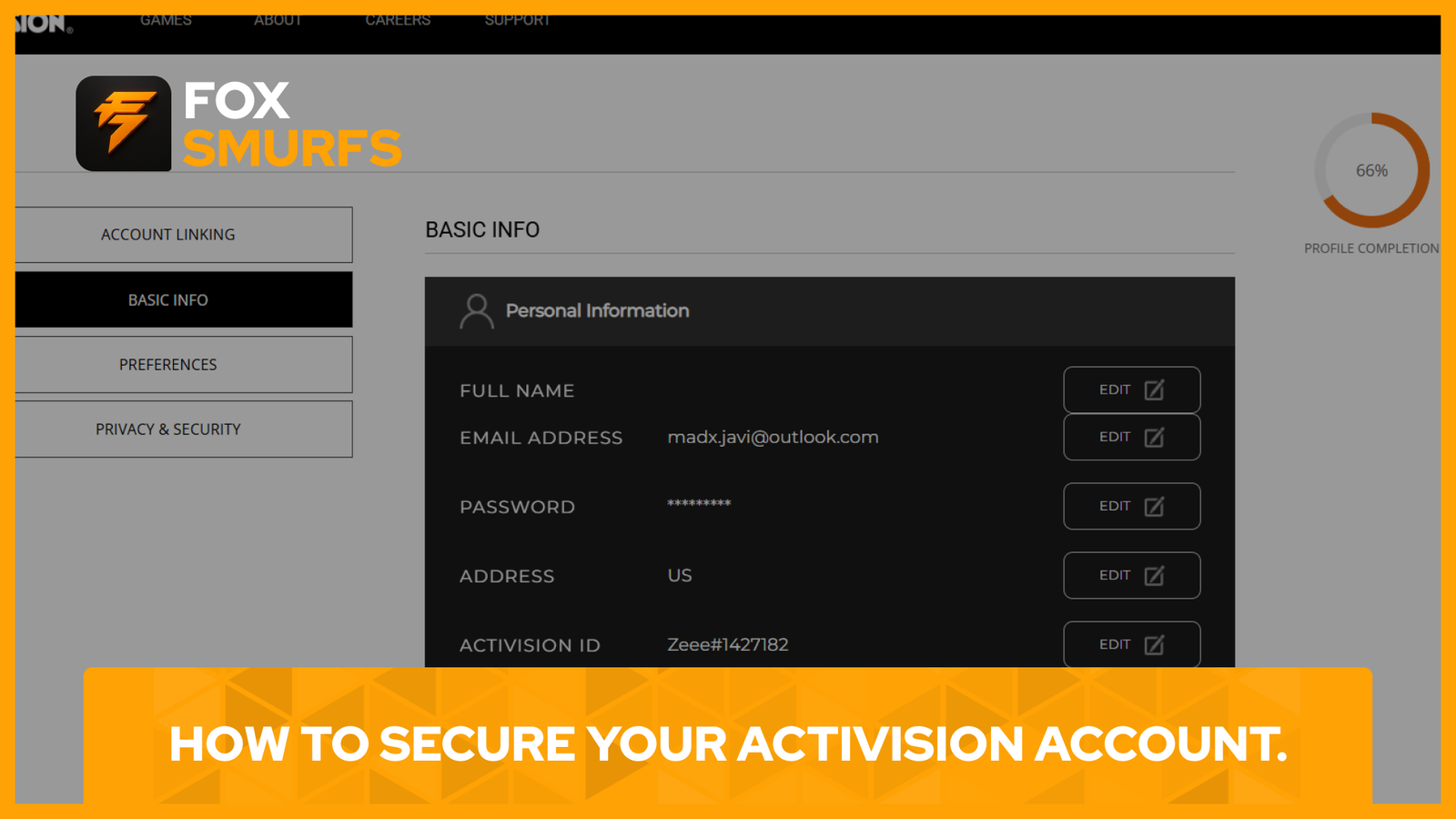
Secure Activision Account: How to Protect Your Call of Duty Profile
Secure Activision account access by locking down your email, using a strong unique password, linking the right platform accounts, and enabling two-factor authentication before you run into trouble. Your Activision account is the center of your Call of Duty profile, which means it can affect progression, linked platforms, login recovery, and account changes. If you wait until something goes wrong, recovery can become much harder than prevention.
The fastest way to secure an Activision account is simple: use a reliable long-term email address, create a strong password, turn on two-factor authentication, save your backup codes, and review your linked accounts for anything unfamiliar. Activision’s support pages explain that account security depends on both strong credentials and keeping control of your email address, because email verification is used for important account actions and some login flows.
Why It Is Important to Secure Activision Account Access
Activision explains that your account can be used across multiple linked platforms and that progression in supported cross-progression games is stored on the Activision account rather than the platform account. That makes your Activision login more important than many players realize, especially if you play on more than one platform or have years of progress tied to the same profile. The company also says some players may be required to verify the email address associated with the account in order to log in or use it to play games that require an Activision account.
Use a Reliable Email Address to Secure Activision Account Access
One of the most important steps to secure Activision account access is keeping control of your email address. Activision strongly recommends using an email address from a reliable email service provider and specifically warns against using email accounts you may lose access to later, such as work or .edu addresses. If you lose access to the email account on your Activision profile, you may be blocked from changing account details, resetting your password, or even logging in under some circumstances.
Build a Strong Password to Secure Activision Account Protection
Activision’s security guidance says passwords can contain between 8 and 30 characters, and the company recommends using all 30 whenever possible. It also recommends using a mix of uppercase letters, lowercase letters, and numbers while avoiding names, birthdates, easy-to-guess gamer-related terms, and common passwords. A strong unique password is one of the first things you should change if you want to secure your Activision account properly.
Enable 2FA to Secure Activision Account Login
The single best step to secure Activision account login is enabling two-factor authentication. Activision says 2FA adds a second identity check every time you sign in, providing more protection for your account and personal information. According to Activision Support, there are currently two methods available: an authenticator app and SMS. If both are enabled, a primary method must be chosen.
Supported authenticator apps listed by Activision include Authy, Duo Mobile, Google Authenticator, and Microsoft Authenticator. After setup, you receive 10 backup codes. Activision says each backup code can only be used once, and they should be stored somewhere safe but separate from the device that contains your authenticator app.
Save Your Backup Codes and Recovery Options
A lot of players enable 2FA and forget the most important part: saving the backup codes. Activision specifically warns that backup codes should not be your primary login method, but they are essential if you lose or break the device that holds your authenticator app. The company also notes that if you get a new device, you should disable and then re-enable 2FA on your Activision account using your new authenticator app setup.
Review Linked Accounts to Secure Activision Account Access
Activision also recommends linking supported platform accounts because linked platform credentials can help you get back into your Activision account if you forget your Activision password or lose access to the email address on the account. Its support guidance says linked PlayStation, Xbox, Steam, and Battle.net accounts can be used to sign in and update account information in some recovery scenarios. Activision also supports Nintendo and certain social accounts for linking, though logging in with those is not always supported the same way.
Because account linking is sensitive, Activision says email verification may be required when linking a new account. The same email verification process may also be triggered when you make personal-information changes or, in some cases, when you log in.
If you already have a linking guide on your site, add an internal link here such as How to Link and Unlink Accounts in Call of Duty.
Watch for Suspicious Verification Emails and Login Alerts
Activision’s email verification guidance explains that if you receive a verification request for an action you did not make, you should treat that as a warning sign. If the message says an account that is not yours was linked to your Activision account, Activision advises you to log in, unlink that account, and update your password immediately. If the alert is for a login attempt you did not make, the company also recommends changing your password right away and considering a hacked account recovery request if suspicious activity continues.
Check Your Profile Regularly to Secure Activision Account Safety
To secure Activision account safety long term, do not treat security as a one-time task. Recheck your linked accounts, confirm that your email address is still current, make sure your 2FA method still works, and keep your backup codes somewhere accessible but safe. If you make a platform switch, review your profile carefully before unlinking anything because Activision also explains that progression in supported cross-progression games lives on the Activision account and may not follow a platform account to a different Activision profile.
If you want to connect this article to another internal guide, add a link like How to Create a Call of Duty and Activision Account in 2026.
Helpful Official Resources
These official Activision pages are the best external resources to review if you want to secure Activision account access properly:
- Keeping Your Activision Account Secure
- Using Two-Factor Authentication (2FA) with an Activision Account
- Activision Account Email Verification
- Managing Your Activision Account
Final Thoughts
Secure Activision account access before you need recovery help. Use a permanent email, create a strong unique password, enable 2FA, save your backup codes, and monitor linked accounts for anything unusual. Those small steps can protect your Call of Duty progress, reduce the chance of unauthorized access, and make account recovery far easier if a problem ever happens.