







Create Activision Account: How to Create a Call of Duty and Activision Account in 2026
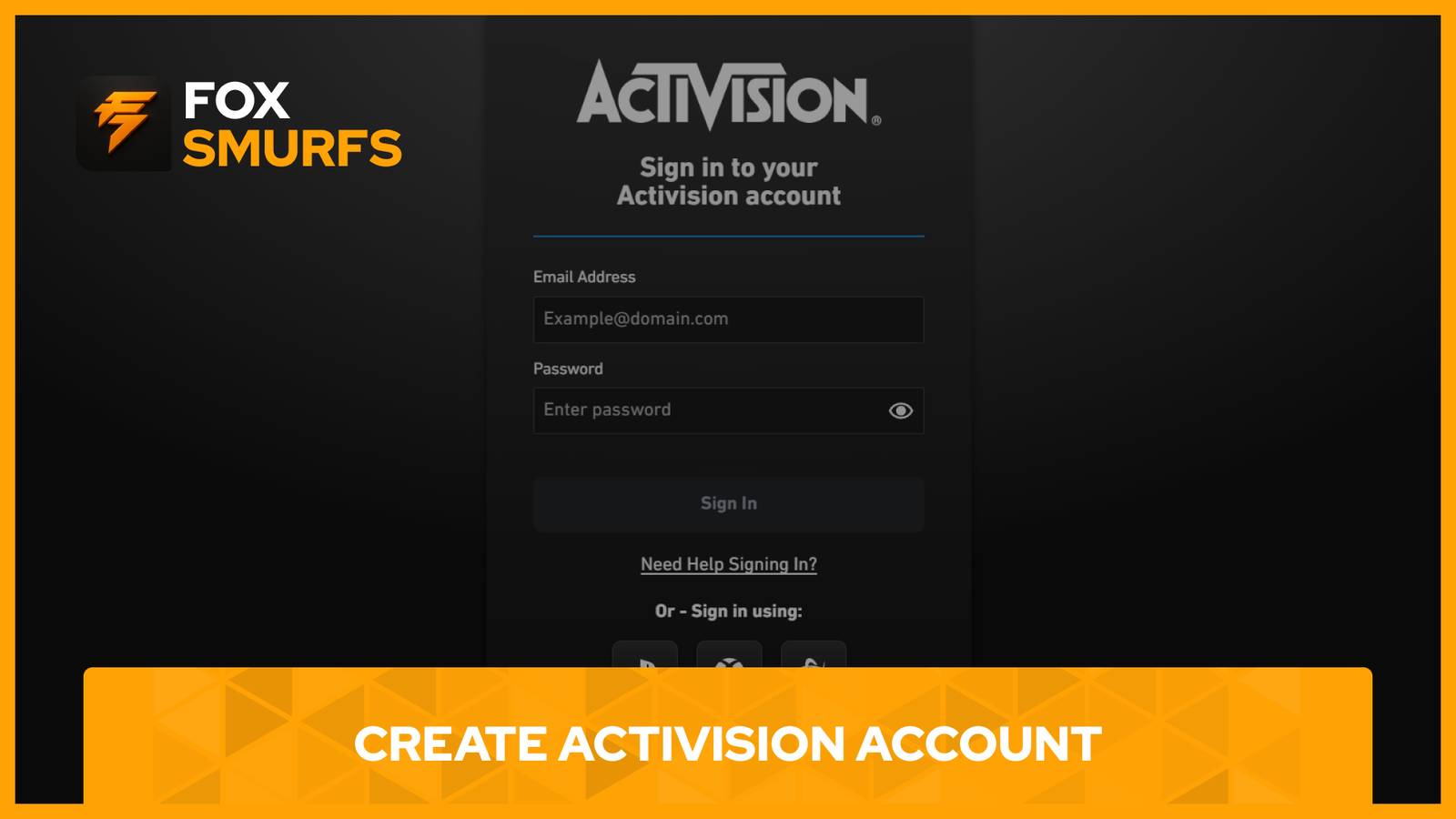
Create Activision account access in 2026 by starting with the official Activision sign-up flow, choosing a reliable long-term email address, and linking the gaming platforms you actually use for Call of Duty. Your Activision account is the profile that stores progression for cross-progression-enabled games, connects supported platform accounts, and gives you access to important security tools like password recovery and two-factor authentication.
If you want the short version, the process is simple: go to the official Activision account page, sign up with an email address or a supported gaming account, verify your details if prompted, link your platform accounts, and enable two-factor authentication before you start playing seriously. Doing it the right way from the beginning helps protect your progress and makes account management much easier later.
Why You Need to Create Activision Account Access for Call of Duty
When players create Activision account access correctly, they get more than just a login. Activision says the account is what connects your profile, linked platform accounts, contact preferences, password recovery options, and cross-progression features in supported games. Because progression in crossplay-enabled games is stored on the Activision account instead of the platform account, the same profile can carry progress across supported linked platforms.
That is why setting up the account properly from the beginning matters. If you play on more than one platform or plan to keep your progress safe long term, your Activision account becomes the center of your Call of Duty experience.
What You Need Before You Create Activision Account Access
Before you create Activision account details, start with an email address you can keep for years. Activision specifically recommends using a reliable email provider and avoiding school or work email addresses you might lose access to later. If you lose access to that email, it can become much harder to reset your password, change account details, or complete verification steps.
You should also prepare a strong password and decide which gaming platforms you want to connect. Activision says supported linked accounts can include Xbox, PlayStation, Steam, Blizzard, Nintendo, and Ubisoft, though account linking rules still allow only one linked account per provider on a single Activision account.
- A permanent personal email address you can always access.
- A strong password you are not using elsewhere.
- Your preferred platform accounts for Call of Duty.
- An authenticator app or mobile number if you want to enable 2FA immediately.
How to Create Activision Account in 2026
Step 1: Go to the Official Activision Sign-Up Page
Visit the official Activision account page or the official Call of Duty profile page and choose the sign-up option. Activision also confirms through its support options page that creating an account is free.
Step 2: Choose How You Want to Register
You can register with your email address or by using a supported gaming account. Activision says players can sign up with supported gaming accounts such as PlayStation, Xbox, Steam, or Blizzard, and they will be redirected to that gaming network’s website to verify login details during the process.
Step 3: Enter Your Account Details
Fill in your account information, including your email address, password, and any required profile details. Use a long-term email address and a secure password from the start so you do not run into recovery issues later.
Step 4: Complete Verification if Needed
Activision may send a one-time verification code to the email address on your account when important account actions are taken. This helps confirm that you are the real account owner.
Step 5: Sign In and Review Your Settings
After the account is created, sign in and review your profile settings. The official Call of Duty profile page is where you manage your Activision profile, security, and linked access across supported titles.
How to Create Activision Account Links for PlayStation, Xbox, Steam, and More
After you create Activision account access, the next step is linking the platforms you actually use. Activision says the normal flow is to log in to the platform account you want to link, log in to your Activision account in the same browser, open the Linked Accounts section, choose the provider you want to connect, enter the verification code sent to your Activision email if asked, and finish the process on the platform provider’s website.
This matters because Activision makes it clear that cross-progression-supported game progress is stored on your Activision account, not your platform account. If you later link that platform profile to a different Activision account, your progress will not carry over to the new one. Activision also says your content and progression are not lost, and they can be accessed again if the platform account is relinked to the original Activision account.
If you need a deeper walkthrough for platform linking after setup, you can also read our internal guide here: How to Link an Activision Account.
How to Secure Your Create Activision Account Setup
The smartest thing you can do after you create Activision account access is secure it immediately. Activision recommends using a strong password with uppercase letters, lowercase letters, and numbers while avoiding obvious passwords, names, birthdates, and common phrases.
Activision also recommends enabling two-factor authentication to add a second step whenever you sign in. According to official support, Activision currently supports two methods of two-factor authentication: an authenticator app and SMS.
When 2FA is enabled, you enter your email address and password first, then provide a second code from your selected method. Supported authenticator apps include Authy, Duo Mobile, Google Authenticator, and Microsoft Authenticator. After setup, Activision provides backup codes, and each one can only be used once, so they should be stored somewhere safe and separate from the device that holds the authenticator app.
If you want more detailed security recommendations, check our internal guide here: How to Secure Your Activision Account.
Common Problems When You Create Activision Account Access
I Lost Access to My Email
The biggest problem is losing access to the email address on your account. Activision states that if you no longer have access to that email, password resets and account changes become much more difficult.
My Progress Did Not Carry Over
If progress seems missing, check whether the platform account was linked to the wrong Activision account. Activision explains that progression is tied to the original Activision account where it was stored, not to the platform account itself.
I Forgot My Password
If you forget your password, Activision says you can submit a password reset request, and the reset link will be sent to the email address attached to your account.
Helpful Official Resources
For the official setup and support process, use these pages:
- Official Activision / Call of Duty Profile Page
- Managing Your Activision Account
- Using Two-Factor Authentication with an Activision Account
- Keeping Your Activision Account Secure
Final Thoughts
Create Activision account access the right way in 2026 by using a permanent email address, choosing a strong password, linking the correct platforms the first time, and enabling two-factor authentication immediately. That approach gives you a smoother Call of Duty setup, protects your progress, and reduces the chance of account problems later.